4 Best Canon Ink Tank Printers for 2027 That Save You Money
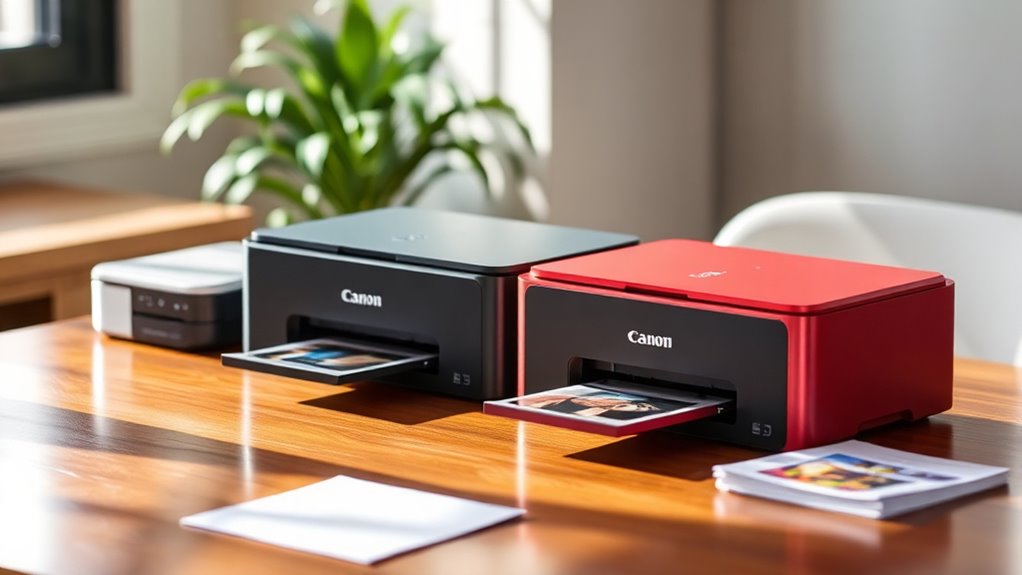
Looking for cost-effective printing in 2027? The Canon MegaTank G3270, MAXIFY GX2020, PIXMA G620, and MegaTank GX1020 are your best bets for affordable, high-quality printing.
These Canon ink tank printers deliver impressive ink yields, which means fewer refills and more savings on your printing costs.
Plus, they come packed with versatile features like wireless connectivity and automatic duplex printing.
Whether you need a printer for home or office use, these models cater to a variety of printing needs.
Stick around to discover even more benefits and features that suit your printing lifestyle.
You’ll see why these Canon ink tank printers are a smart choice for anyone wanting to save money without compromising quality.
| Image | Name | Editor's Rating | Price |
|---|---|---|---|

|
|
||

|
|
||

|
|
Canon MegaTank G3270 All-in-One Wireless Color Printer
- Wireless Print/Copy/Scan
- Up to 2 years of ink included (2)
- Print up to 6,000 black & white / 7,700 color pages using a single set of inks! (1)

The Canon MegaTank G3270 All-in-One Wireless Color Printer offers a practical solution for home or small office printing needs. Its MegaTank technology significantly reduces ink replacement frequency, letting you print thousands of pages without interruption. This helps you stay productive without worrying about constant maintenance.
Designed for versatility, this compact inkjet device handles printing, copying, and scanning with ease. It delivers sharp prints at a resolution of 4800 x 1200 dpi, ensuring clear documents and vibrant color images. Wireless connectivity means you can print directly from your smartphone or tablet, simplifying your workflow.
Maintenance is straightforward, thanks to the high-capacity ink tanks that hold enough ink for up to 6,000 black-and-white and 7,700 color pages per refill. The printer’s compact design fits neatly on a desk but has a modest paper capacity of 100 sheets, so larger print jobs may require frequent reloading.
While its print speed is moderate—11 pages per minute for black-and-white and 6 for color—it balances functionality and cost efficiency. The 1.35” LCD screen provides basic controls, suitable for users who prefer simplicity over advanced features.
Best for: Home users and small offices needing an efficient, high-volume ink printer with wireless convenience.
What We Like:
- High ink yield reduces refill frequency
- Compact footprint fits small spaces
- Wireless printing from mobile devices
- Clear, high-resolution print quality
Specification:
| Feature | Details |
|---|---|
| Manufacturer | Canon |
| Dimensions (W×D×H) | 17.7 × 12.6 × 6.3 inches |
| Weight | Approx. 8.6 lbs (3.9 kg) |
| Printing Technology | Inkjet |
| Connectivity | Wireless |
| Paper Capacity | 100 sheets |
| Print Resolution | Up to 4800 x 1200 dpi |
Canon MegaTank MAXIFY GX2020 All-in-One Wireless Printer
- Wireless Print/Copy/Scan/Fax (2)
- Print up to 3,000 black & white / 3,000 color pages using a single set of inks! (1)
- 2.7” LCD Color Touchscreen
The Canon MegaTank MAXIFY GX2020 All-in-One Wireless Printer is designed to meet the demands of small businesses that require efficient, high-volume printing. Its high ink yield of up to 3,000 pages per set means fewer interruptions for replacements, helping maintain smooth workflow. This printer handles both black-and-white and color documents with ease, printing 15 and 10 pages per minute respectively.
Its compact design fits neatly on most desks, making it suitable for limited office spaces. Navigating features is simple with the 2.7-inch touchscreen, which enhances user experience and productivity. The printer’s automatic duplex functionality reduces paper use and speeds up double-sided printing tasks.
Maintenance is straightforward due to the MegaTank system, which lowers ink costs and simplifies refills. Wireless connectivity and a 35-sheet Automatic Document Feeder assist with multitasking, allowing you to scan, copy, or fax multiple pages efficiently.
While it weighs 17.8 pounds, limiting portability, this printer excels in providing reliable, cost-effective printing. It’s a practical solution for businesses needing multifunctional capabilities without sacrificing space or budget.
Best for: Small business owners seeking a versatile, high-capacity printer that balances performance and affordability.
What We Like:
- High ink yield reduces frequent refills
- Compact footprint suits small workspaces
- Automatic duplex printing saves time and paper
- Easy-to-use touchscreen interface
- Wireless and Automatic Document Feeder enhance productivity
Specification:
| Feature | Detail |
|---|---|
| Manufacturer | Canon |
| Dimensions (W×D×H) | Not specified |
| Weight | 17.8 lb (8.07 kg) |
| Color Options | Not specified |
| Connectivity | Wireless |
| Automatic Document Feeder | 35 sheets |
Canon PIXMA G620 Wireless All-in-One Printer
- Never run out of ink. Connect your printer to Alexa and receive notifications when you’re running low. Alexa can even...
- Enrolling in Smart Reorders with Alexa ensures that you never have too much or too little ink supplies. No subscription...
- MEGATANK HIGH PAGE YIELD: Print up to 3,800 4” x 6” color photos on a full set of ink.
The Canon PIXMA G620 Wireless All-in-One Printer offers a practical solution for those needing reliable photo printing, copying, and scanning in one compact device. Its design fits well in tight spaces, making it ideal for both home and office environments.
This printer uses a 6-color dye-based ink system to deliver vibrant, true-to-life photos with rich color depth. It produces high-quality prints at a sharp resolution of 4800 x 1200 dpi, helping you create lasting memories or professional documents with ease.
Maintenance is straightforward thanks to its high ink yield, capable of printing up to 3,800 4” x 6” photos on a single full ink set. This reduces the frequency of refills and lowers your overall printing cost.
Connectivity options like Wi-Fi and USB make it easy to integrate into your workflow, whether you print from a computer or mobile device. While the print speed is moderate and the printer is somewhat heavy, its compact build balances these factors well.
Best for: Photography enthusiasts and small businesses seeking a cost-effective, high-quality photo printer with versatile functions.
What We Like:
- High page yield lowers ink replacement frequency
- Vivid color range with 6-color ink system
- Compact footprint fits limited spaces
- Multiple connectivity options including wireless
- Sharp print resolution for detailed images
Specification:
| Feature | Details |
|---|---|
| Manufacturer | Canon |
| Dimensions | Not specified |
| Weight | 19.5 lb (8.85 kg) |
| Ink System | 6-color dye-based ink |
| Max Print Resolution | 4800 x 1200 dpi |
| Max Media Size | 8.5 x 14 inches |
| Connectivity | Wi-Fi, USB |
Canon Megatank GX1020 All-in-One Wireless Printer
No products found.
The Canon Megatank GX1020 All-in-One Wireless Printer is designed to tackle high-volume printing needs with ease. Its large ink capacity allows you to print up to 3,000 pages in black and color, significantly reducing interruptions for ink replacements. This makes it a practical choice for home offices and small businesses that demand consistent output.
Managing your printing tasks is simple, thanks to the 2.7″ LCD touchscreen. The intuitive interface helps you adjust settings quickly without hassle. Automatic duplexing further streamlines your workflow by enabling easy double-sided printing, saving both time and paper.
Connectivity is seamless with dual-band WiFi, USB, and wired LAN options. This ensures you can connect multiple devices effortlessly and maintain stable communication. The printer’s 4-color pigment-based ink system delivers sharp text and vibrant colors, meeting everyday document and photo needs.
Maintenance is straightforward, with the megatank system designed for easy refilling and long-lasting performance. Although it weighs 15.4 pounds, which might affect portability, the printer balances durability and sustainability, being Energy Star certified.
Best for: Busy home offices or small businesses that require high-volume printing with efficient ink use.
What We Like:
- High ink yield reduces frequent refills.
- Automatic duplex printing saves time and resources.
- Multiple connectivity options for versatile use.
- Clear touchscreen interface for easy control.
- Energy Star certification supports eco-friendly operation.
Specification:
| Feature | Details |
|---|---|
| Manufacturer | Canon |
| Dimensions | Not specified |
| Weight | 15.4 lb (7 kg) |
| Ink System | 4-color pigment-based ink |
| Connectivity | Dual-band WiFi, USB, LAN |
| Display | 2.7″ LCD touchscreen |
| Duplex Printing | Automatic |
| Certification | Energy Star certified |
Factors to Consider When Choosing a Canon Ink Tank Printer
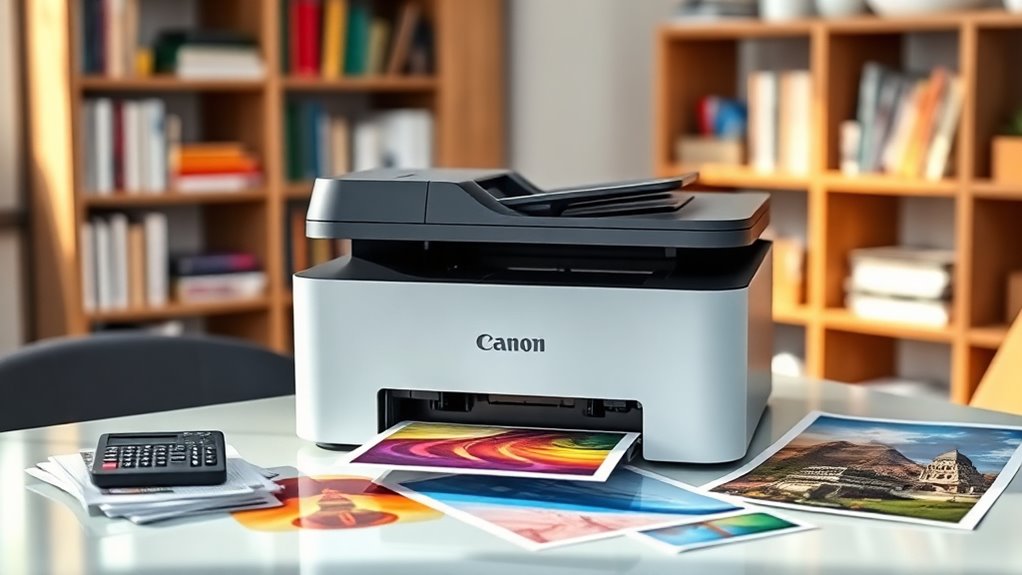
When you’re selecting a Canon ink tank printer, it’s essential to take into account several key factors. Think about print speed, ink yield capacity, and connectivity options that match your needs.
Don’t forget to evaluate media handling capacity and any additional features that could enhance your printing experience.
These little details can really make a difference in how satisfied you are with your printer. So, take your time and consider what matters most to you!
Print Speed Considerations
Although print speed might not be the only factor to take into account, it plays an essential role in your overall printing experience. Measured in pages per minute (PPM), different Canon ink tank models offer varying speeds—up to 15 PPM for black-and-white and around 10 PPM for color.
If you’re in a high-volume printing environment, faster speeds can considerably boost your productivity. Keep in mind that some printers have automatic duplex printing, which can affect speed but saves time by printing on both sides in one go.
Also, consider how speed relates to print resolution; higher resolutions may slow things down. Ultimately, assess whether you prioritize speed for large documents or quality for detailed images.
2. Ink Yield Capacity
Understanding ink yield capacity is essential, especially if you print frequently. This metric indicates how many pages a printer can produce before needing a refill, directly impacting your overall printing costs.
Some Canon ink tank printers can yield up to 6,000 black and white pages and 7,700 color pages from a single ink set, which is a game-changer for high-volume users. The type of ink system also plays a key role; pigment-based inks generally offer higher page yields compared to dye-based ones.
Canon ink tank printers are built for longevity, supporting thousands of prints, making them ideal for both home and office use. Evaluating this capacity helps you minimize the total cost of ownership effectively.
3. Connectivity Options Available
High ink yield capacity is just one aspect to contemplate. When choosing a Canon ink tank printer, connectivity options play a vital role. Look for models with USB and Wi-Fi capabilities, which let you print from various devices.
Wireless features, especially dual-band Wi-Fi (2.4/5 GHz), guarantee faster and more stable connections. If you use a Chromebook, check for compatibility to enhance usability.
A touchscreen interface can make navigation and setup simpler, streamlining your connection process. Additionally, consider printers with Automatic Document Feeders (ADF) for increased productivity, allowing you to scan or copy multiple pages without hassle.
All these factors will help you find a printer that fits your needs perfectly.
4. Media Handling Capacity
When evaluating a Canon ink tank printer, media handling capacity is vital because it determines how often you’ll need to refill paper during your printing tasks. If you’re in a high-volume printing environment, look for models that hold around 250 sheets. This reduces interruptions and keeps your workflow smooth.
Additionally, consider printers that support various media types, like glossy photo paper and envelopes, as this enhances your printing versatility. The maximum media size, typically up to 8.5″ x 14″, is important if you need larger prints.
Finally, automatic document feeders (ADFs) can greatly boost efficiency by allowing you to load multiple pages for scanning or copying without the hassle of manual intervention. It’s a real time-saver when you have lots of documents to handle.
5. Additional Features Offered
After considering media handling capacity, it’s time to explore additional features that can enhance your printing experience with a Canon ink tank printer. Look for a user-friendly interface, like a touchscreen, to simplify navigation and access functions such as copy, scan, and print.
Automatic duplex printing is another great feature, saving you paper and reducing costs. Evaluate the printer’s media versatility, ensuring it supports various types and sizes, including photo paper and envelopes.
Don’t forget to check for energy efficiency certifications, like Energy Star, which indicate lower power consumption for long-term savings. Finally, explore additional software features, such as design tools for creating posters, which can expand your printer’s functionality beyond standard tasks.
6. Warranty and Support Services
Choosing a Canon ink tank printer involves more than just evaluating print quality and features; warranty and support services play an essential role in your decision. Consider the warranty duration, as it can range from 1 to 3 years, impacting your long-term reliability and costs.
Also, look for warranties that cover a specific number of pages, such as 60,000, especially if you print frequently. That way, you won’t be caught off guard by unexpected expenses.
Customer support can vary, so make certain the manufacturer offers a strong network for assistance. This should include online resources and live support to help whenever you need it.
Don’t forget to assess return policies like a 30-day return guarantee for added peace of mind. Some models even come with an Instant Exchange Program, which provides quicker resolutions in case of defects and really boosts your overall satisfaction.
Frequently Asked Questions
How Do Ink Tank Printers Compare to Traditional Cartridge Printers?
Ink tank printers typically offer lower cost per page than traditional cartridge printers. You’ll enjoy longer intervals between refills, better print volume, and often superior quality.
This makes them a smart choice for frequent printing. If you print a lot, they can really save you time and money. Plus, the print quality usually looks great!
Are Canon Ink Tank Printers Suitable for Photo Printing?
Like a painter with a vibrant palette, you’ll find Canon ink tank printers excel at photo printing. They deliver rich colors and sharp details, making your cherished memories come alive on paper.
You won’t be disappointed. These printers really bring out the best in your photos, capturing every little nuance beautifully. It’s like having a mini photo lab right at home!
What Is the Lifespan of Canon Ink Tank Printers?
Canon ink tank printers typically last around 5 to 10 years with proper maintenance. Regularly replacing ink tanks and cleaning the printhead can help extend their lifespan.
This way, you make sure to get the most out of your investment. Taking a little time to care for your printer really pays off in the long run.
Can I Use Third-Party Ink With Canon Ink Tank Printers?
Using third-party ink with Canon ink tank printers is like dancing on a tightrope. You can, but it risks damaging your printer and voiding warranties.
It’s usually best to stick to Canon’s ink for reliable performance and vibrant prints. That way, you avoid any unexpected problems down the road.
How Often Do I Need to Clean the Print Heads?
You should clean the print heads every few months, or whenever you notice streaks or poor print quality. Regular maintenance helps guarantee peak performance.
It also extends the life of your Canon ink tank printer. Keeping things clean means your prints come out looking great every time. So, don’t wait too long to give those print heads a little attention!
Conclusion
In the vast ocean of printing options, Canon’s ink tank printers sail ahead like sturdy ships, ready to navigate your printing needs without sinking your budget. With their efficient designs and vibrant output, you’ll find that saving money doesn’t have to mean sacrificing quality.
So, whether you’re printing family photos or important documents, these printers are your reliable companions. They turn every page into a canvas of creativity without leaving a dent in your wallet.
When it comes to finding the best Canon ink tank printers for 2027, these models stand out for their cost-efficient ink usage and impressive print quality. They’re perfect for anyone looking to save money while enjoying crisp, clear prints. Choosing one of these printers means you get reliability, affordability, and vibrant results all in one package. So go ahead, print more, spend less, and make every page count with Canon’s ink tank printers.