5 Best Canon Home All-in-One Printers for 2027
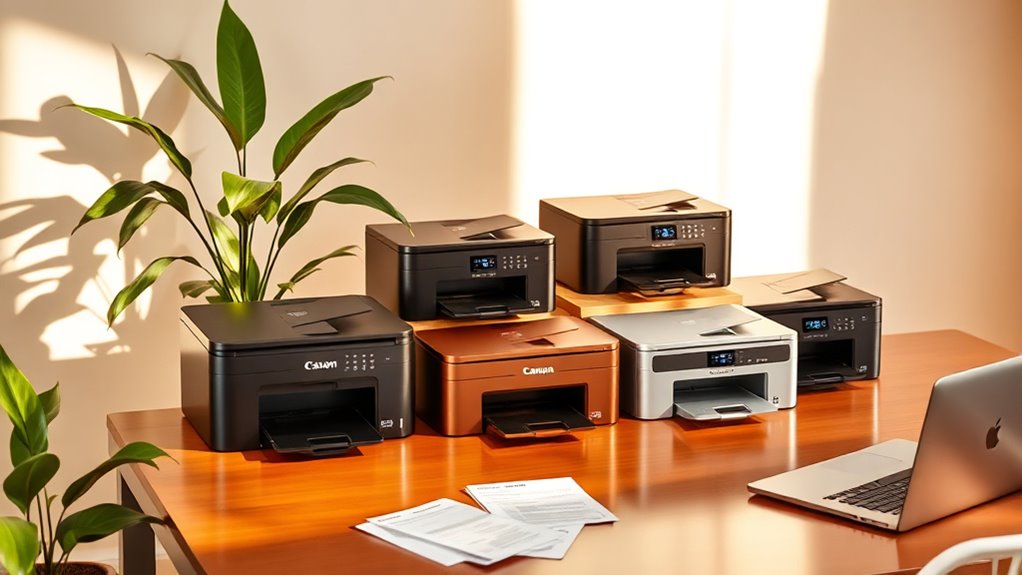
When you’re on the hunt for the best Canon home all-in-one printers for 2027, you want models that combine quality, speed, and convenience.
Canon PIXMA TR8620a and MegaTank G3270 are great examples. They deliver outstanding print quality and impressive speeds, making your printing tasks smooth and efficient.
These printers also offer versatile connectivity options, so you can easily print from your phone, tablet, or computer.
Many come with handy features like automatic duplex printing and compact designs, perfect for home or small office use.
When choosing the right one, consider factors like portability and functionality.
There’s a lot to explore, so take your time and find a printer that fits your specific needs and lifestyle.
| Image | Name | Editor's Rating | Price |
|---|---|---|---|

|
|
||

|
|
||

|
|
||

|
|
||

|
|
Canon PIXMA TR8620a All-in-One Printer
- Never run out of ink. Connect your printer to Alexa and receive notifications when you’re running low. Alexa can even...
- Enrolling in Smart Reorders with Alexa ensures that you never have too much or too little ink supplies. No subscription...
- Wireless 4-in-1 (Print | Copy | Scan | Fax)

The Canon PIXMA TR8620a All-in-One Printer brings convenience and versatility to busy homes and small offices. It simplifies everyday tasks by combining printing, copying, scanning, and faxing into one compact device. This helps you save space and reduces the need for multiple machines.
With print speeds of 15 ipm for black and 10 ipm for color, it handles documents quickly. The high resolution of up to 4800 x 1200 dpi ensures sharp text and vibrant images. Its 200-sheet capacity and automatic duplex printing cut down on frequent paper refills and manual page flipping.
Maintenance is straightforward with five individual ink tanks, allowing you to replace only the colors that run out. However, this can increase ink costs over time. The 17.4-pound weight means it’s less portable but stable on a desk.
Designed for seamless connectivity, the printer supports Alexa and Android devices, making wireless printing effortless. The touchscreen LCD further enhances ease of use by providing intuitive navigation.
Best for: Busy households and small offices needing a versatile, space-saving all-in-one printer that balances speed and quality.
What We Like:
- Combines print, copy, scan, and fax functions in one device
- High-quality prints with up to 4800 x 1200 dpi resolution
- Large 200-sheet capacity with automatic duplex printing
- Wireless compatibility with Alexa and Android devices
- Easy ink management with individual replaceable tanks
Specification:
| Feature | Details |
|---|---|
| Manufacturer | Canon |
| Dimensions (W×D×H) | Not specified |
| Weight | 17.4 lb (7.9 kg) |
| Color Options | Not specified |
| Ink System | Five individual ink tanks |
Canon MegaTank G3270 All-in-One Wireless Color Printer
- Wireless Print/Copy/Scan
- Up to 2 years of ink included (2)
- Print up to 6,000 black & white / 7,700 color pages using a single set of inks! (1)
The Canon MegaTank G3270 is designed to simplify your printing tasks at home or in the office. Its all-in-one functions let you print, copy, and scan with ease, reducing the need for multiple devices. The compact design fits neatly into small spaces, making it ideal for both tight desks and busy work areas.
Thanks to MegaTank technology, this printer delivers a high page yield, printing up to 6,000 black and white pages or 7,700 color pages on a single ink refill. This feature minimizes interruptions and lowers running costs, helping you maintain productivity without frequent ink replacements.
Connecting your devices is straightforward with USB and Wi-Fi options, allowing for wireless printing from smartphones and tablets. However, the printer holds only 100 sheets, so it may require regular paper refills during large projects. The single tray design also limits simultaneous use of different paper types.
With a print speed of up to 11 pages per minute in black and white and 6 pages per minute in color, the G3270 suits moderate printing needs. Its balance of functionality and maintenance ease makes it a practical solution for everyday printing requirements.
Best for: Users needing a versatile, cost-effective all-in-one printer for home or small office use.
What We Like:
- High ink yield reduces refill frequency
- Combines printing, copying, and scanning in one compact device
- Wireless connectivity supports easy printing from multiple devices
- Efficient for moderate print volumes with decent speed
Specification:
| Feature | Details |
|---|---|
| Manufacturer | Canon |
| Dimensions (W×D×H) | Approx. 15.0 × 12.0 × 7.0 in (38.1 × 30.5 × 17.8 cm) |
| Weight | Approx. 7.4 lb (3.36 kg) |
| Color Options | Black |
| Connectivity | USB, Wi-Fi |
Canon PIXMA TS6520 Wireless Color Inkjet Printer, 1.42″ OLED Display, White
- Affordable Versatility - A budget-friendly all-in-one printer perfect for both home users and hybrid workers, offering...
- Crisp, Vibrant Prints - Experience impressive print quality for both documents and photos, thanks to its 2-cartridge...
- Effortless Setup & Use - Get started quickly with easy setup for your smartphone or computer, so you can print, scan...
Experience hassle-free printing with the Canon PIXMA TS6520, a compact all-in-one solution designed to simplify your daily tasks. Its wireless capabilities remove the clutter of cables, allowing you to print, scan, and copy from virtually anywhere in your home or workspace. The intuitive 1.42-inch OLED display keeps you informed about ink levels and printer status at a glance, helping you avoid unexpected interruptions.
This printer’s hybrid ink system delivers sharp text and vibrant colors, enhancing the quality of your documents and photos. It supports borderless printing up to 8.5” x 11”, ideal for creative projects or professional presentations. Dual-band Wi-Fi ensures a stable connection, making mobile printing seamless and reliable for all users.
Maintenance is straightforward, though frequent printing may require timely ink replacement to maintain optimal output. Its compact design fits neatly in small spaces but is best suited for standard paper sizes, making it a practical choice for everyday printing without overwhelming your workspace.
Best for: Families and students seeking a reliable, user-friendly wireless all-in-one printer for everyday home or study use.
What We Like:
- Easy wireless printing with dual-band Wi-Fi
- Clear status updates via the bright OLED display
- High-quality color and black-and-white printing
- Compact design fits limited spaces
- Supports borderless printing for professional-looking documents
Specification:
| Feature | Details |
|---|---|
| Manufacturer | Canon |
| Dimensions | Approx. 14.7 x 11.7 x 5.1 in |
| Weight | Approx. 13.8 lb |
| Printer Type | Wireless Color Inkjet |
| Display | 1.42-inch OLED |
| Connectivity | Dual-band Wi-Fi |
| Paper Size Support | Up to 8.5” x 11” |
| Color Options | White |
Canon MAXIFY GX2020 All-in-One Wireless Color Printer
- Wireless Print/Copy/Scan/Fax (2)
- Print up to 3,000 black & white / 3,000 color pages using a single set of inks! (1)
- 2.7” LCD Color Touchscreen
The Canon MAXIFY GX2020 is designed to meet the demanding needs of small businesses and home offices. Its high-capacity ink system delivers up to 3,000 pages per ink set, minimizing downtime and reducing ink replacement costs. This makes it an economical choice for frequent printing tasks.
Printing is efficient with speeds of 15 pages per minute in black and white and 10 pages per minute in color. The automatic duplex feature allows for easy double-sided printing, saving paper and time. Additionally, the 35-sheet automatic document feeder streamlines multi-page scanning and copying jobs.
Its compact design fits neatly into tight workspaces without sacrificing functionality. Wireless connectivity ensures smooth printing from laptops, smartphones, and tablets, simplifying your workflow. Regular maintenance is straightforward, helping to keep the printer running reliably over time.
The printer’s weight of 17.8 pounds offers stability but may be less convenient for frequent moves. While the print resolution is suitable for documents, it may not satisfy those needing high-detail photo quality. The moderate ADF capacity is ideal for everyday office use but may limit larger tasks.
Best for: Small businesses and home offices needing a dependable, cost-effective all-in-one printer for everyday document printing and copying.
What We Like:
- High page yield reduces ink replacement frequency
- Fast print speeds boost office productivity
- Compact size fits small workspaces
- Wireless printing from multiple devices
- Automatic duplex printing saves paper
Specification:
| Feature | Details |
|---|---|
| Manufacturer | Canon |
| Dimensions (W×D×H) | Approx. 16.5 × 13.7 × 9.8 inches |
| Weight | 17.8 lbs (8.1 kg) |
| Color Options | Black |
Canon Megatank G3290 All-in-One Wireless Printer
- Wireless Print/Copy/Scan (2)
- Up to 2 years of ink included
- Print up to 6,000 black & white / 7,700 color pages using a single set of inks! (1)
The Canon Megatank G3290 All-in-One Wireless Printer is designed to meet the needs of home users and small offices. It helps reduce interruptions by offering high page yields, allowing you to print thousands of pages before needing to refill the ink tanks. This means less downtime and more focus on your tasks.
Its wireless connectivity and user-friendly 2.7” LCD color touchscreen simplify printing from multiple devices. The printer supports a range of media types, including photo paper and banners, making it versatile for different projects.
Maintenance is straightforward thanks to the MegaTank system, which minimizes the hassle of frequent ink cartridge replacements. Auto-duplex printing also helps save paper by printing on both sides automatically, making it eco-friendly and cost-efficient.
While it offers respectable print speeds and excellent resolution, the printer’s size and weight mean it requires a dedicated space. It’s best suited for environments where high volume and quality are priorities rather than quick, on-the-go printing.
Best for: Home users and small offices seeking a reliable, high-capacity All-in-One printer with versatile media support.
What We Like:
- High page yield reduces ink refills.
- Supports multiple media types and sizes.
- Easy navigation via 2.7” LCD touchscreen.
- Auto-duplex printing saves paper.
- Wireless connectivity for flexible use.
Specification:
| Feature | Details |
|---|---|
| Manufacturer | Canon |
| Dimensions (W×D×H) | Approx. 17.7 × 12.5 × 5.9 inches |
| Weight | 14.2 lbs (6.44 kg) |
| Print Resolution | Up to 4800 x 1200 dpi |
| Print Speed | 11 ppm (B&W), 6 ppm (Color) |
| Display | 2.7” LCD color touchscreen |
| Connectivity | Wireless |
Factors to Consider When Choosing a Canon Home All-in-One Printer
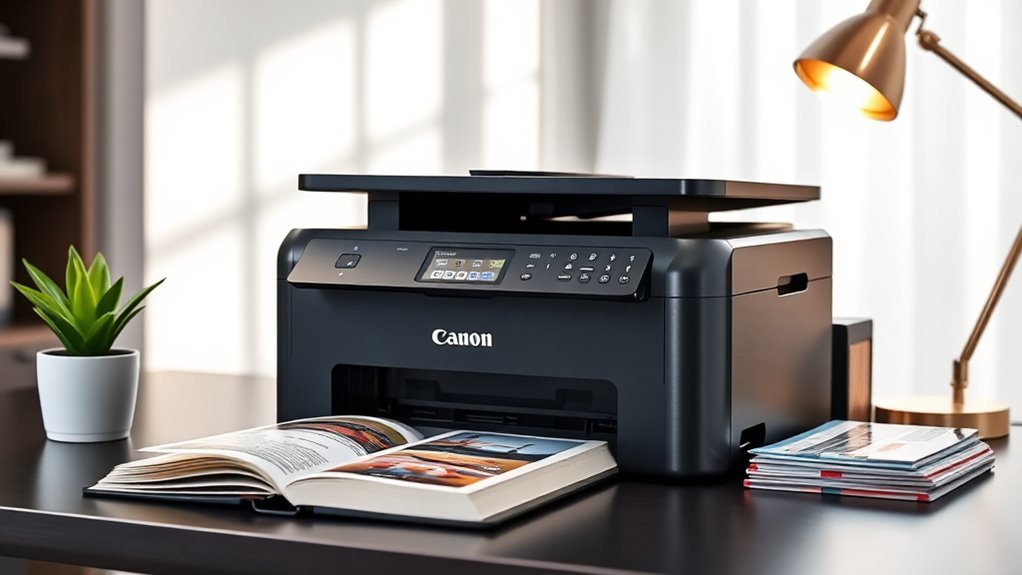
When choosing a Canon home all-in-one printer, you’ve got several important factors to keep in mind. Consider your print quality needs, speed, and the type of ink system that suits your usage.
Also, think about the connectivity options that will work best for your setup. It’s all about finding what fits you and your space!
Factors to Consider When Choosing Canon Home All in One Printer
Choosing the right Canon all-in-one printer can make a significant difference in your home office efficiency. First, evaluate print speed; higher pages per minute (ppm) for both black and color documents boosts productivity, especially for large jobs.
Next, consider print resolution. A printer with high dpi guarantees sharp text and vibrant images. It’s perfect for both documents and photos.
Look into the ink system, too—options like MegaTank or individual ink tanks can lower costs and increase page yield. Don’t forget connectivity options; make sure it supports wireless, USB, and mobile printing for seamless integration with your devices.
Finally, assess paper handling capacity for versatility and automatic duplex printing to meet various printing needs effectively. These little details can make your printing experience so much smoother.
Print Quality Requirements
Print quality requirements can make or break your printing experience, so it’s essential to know what to look for. Start by checking the printer’s resolution, measured in dots per inch (dpi).
Higher resolutions, like 4800 x 1200 dpi, deliver sharper text and more vivid colors. Consider the ink system, too—individual ink tanks usually provide better color accuracy than a single cartridge.
If you need versatility, look for a hybrid ink system that combines dye and pigment-based inks for enhanced sharpness and vibrant images. Don’t forget about the ability to print borderless images up to 8.5 x 11 inches for a professional finish.
And automatic duplex printing? That’s a great feature for a polished double-sided look.
Speed and Efficiency
Evaluating print quality is just the first step; speed and efficiency play a significant role in your overall printing experience. Look for models that can print up to 15 images per minute for black and white and 6 to 10 for color.
Automatic duplex printing is a smart choice, as it saves paper and time by allowing double-sided prints. High print resolutions, like 4800 x 1200 dpi, guarantee your documents and photos look sharp and vibrant.
Pay attention to the monthly duty cycle, with some printers handling up to 1,000 pages per month. Also, features like an Automatic Document Feeder (ADF) can really boost efficiency by letting you scan and copy multiple pages without needing to watch over it.
Ink System Type
When it comes to selecting the right Canon all-in-one printer, understanding the ink system type can make a big difference. Some systems, like MegaTank, let you print up to 6,000 black and white pages and 7,700 color pages per refill, cutting your overall printing costs.
If you choose models with individual ink tanks, you’ll only replace the colors that run out, saving you money. The print resolution, measured in dots per inch (dpi), varies by ink system, affecting the sharpness and vibrancy of your prints.
Additionally, some systems offer borderless printing options, perfect for photos and creative projects. Keep an eye out for ENERGY STAR certifications, too, for energy-efficient designs that minimize environmental impact.
Connectivity Options Available
Choosing the right connectivity options for your Canon all-in-one printer can greatly enhance your printing experience. Many Canon models offer various connectivity options, including USB and wireless, giving you the flexibility to set up in different environments.
With dual-band Wi-Fi support, you can enjoy stable connections for mobile printing from your smartphones and tablets. Some printers even work with voice-activated devices, allowing for hands-free operation through your smart home system.
Plus, mobile printing features let you send documents directly from your devices using dedicated apps. If you’re into photo printing, certain models include a micro SD slot, so you can print directly from memory cards.
These options make your printing tasks more convenient and efficient. It’s all about making your printing life easier and more flexible!
Media Handling Capacity
After considering the connectivity options available, it’s time to focus on media handling capacity, which plays a significant role in how well your Canon all-in-one printer meets your needs.
The number of sheets a printer can hold varies widely, impacting how often you’ll need to refill paper. Look for models with multiple trays, like a main paper cassette and a rear feed, so you can load different media types at the same time.
Check the maximum media size supported, which is typically up to 8.5 x 14 inches or even larger. Auto-duplex printing is also a nice bonus because it saves both paper and time.
Finally, make sure your printer can handle various media types, from glossy photo paper to envelopes. This will boost its versatility for all your printing tasks.
User-Friendly Interface
A user-friendly interface is essential for a seamless printing experience with your Canon all-in-one printer. Look for intuitive touchscreens or LCD displays that make operating functions simple.
Mobile printing capabilities are a game-changer, letting you connect your smartphone or tablet for quick and easy printing without a computer. An integrated setup process with guided instructions helps you get your printer up and running in no time.
Features like auto-duplex printing save both time and paper, allowing for effortless double-sided prints. Plus, clear status indicators keep you informed about ink levels and printer status.
This way, you stay on top of maintenance without the hassle of complicated troubleshooting. Choosing a printer with these features will enhance your experience greatly.
Size and Design
When selecting a Canon all-in-one printer, size and design play an important role in ensuring it fits your space and style. Consider the printer’s dimensions; some compact models measure around 14 x 16 inches, while larger options can take up more desk space.
Weight is also essential; heavier models, weighing up to 17.8 pounds, can be less portable. Aim for a design that complements your home or office aesthetic, whether you prefer sleek modern looks or traditional styles.
A smaller footprint can offer flexible placement in tight areas. Finally, assess the layout of controls and display features—an intuitive touchscreen can greatly enhance your experience, especially in compact designs where every inch matters.
Frequently Asked Questions
What Is the Average Lifespan of Canon All-In-One Printers?
Canon all-in-one printers typically last around three to five years with regular use. Proper maintenance, like replacing ink and keeping it clean, can extend its lifespan.
This way, you really get the most out of your investment. Just a little care goes a long way!
How Do I Connect My Canon Printer to Wi-Fi?
To connect your Canon printer to Wi-Fi, start by accessing the printer’s menu. Then, select “Wireless LAN setup.”
Next, choose your network from the list and enter the password. Once connected, you’re all set to print wirelessly from your devices!
It’s pretty straightforward, right? Just a few taps, and you’re good to go!
Can I Use Third-Party Ink Cartridges With Canon Printers?
Yes, you can use third-party ink cartridges with Canon printers. However, be cautious; they might not match the quality of original cartridges and could affect your printer’s warranty.
Always check compatibility before purchasing. It’s a good idea to do a bit of research so you don’t end up with any surprises.
What Types of Paper Are Compatible With Canon Printers?
You can use various paper types with Canon printers, including plain, photo, glossy, matte, and specialty papers. Just make sure to check the printer’s specifications for best results with your chosen paper type.
It’s pretty flexible, so you’ve got options depending on what you need to print. Just a quick tip: always double-check the specs to avoid any printing hiccups!
How Do I Troubleshoot Printing Issues With Canon Printers?
To troubleshoot printing issues, first check your printer’s connection and make sure it’s properly plugged in or connected wirelessly. Also, guarantee the ink levels are sufficient so you don’t run out mid-print.
Next, clear any paper jams you might find. Sometimes a little stuck paper is all that’s causing the problem.
Try restarting both the printer and your computer. This often solves random glitches without much hassle.
If things still aren’t working, update the printer drivers. Having the latest drivers can fix compatibility issues and improve performance.
Conclusion
In choosing the right Canon all-in-one printer for your home, consider your unique needs and usage. Did you know that households with printers save an average of 15% on printing costs annually?
With the options listed, you can find a model that not only fits your budget but also enhances your productivity. Embrace the convenience of printing, scanning, and copying all in one device.
Making your home office more efficient than ever is easier than you think. These Canon home all-in-one printers offer reliable performance and user-friendly features. Whether you need fast printing or high-quality scans, there’s a perfect choice for you.
So, why wait? Upgrade your workspace with one of the best Canon home all-in-one printers for 2027 and enjoy seamless printing, scanning, and copying—all from a single device designed to save time and money.